Use the current version
Start with the artwork and dimensions selected for review. Check the structure and material settings in World Model.
Solution / Packaging specialist
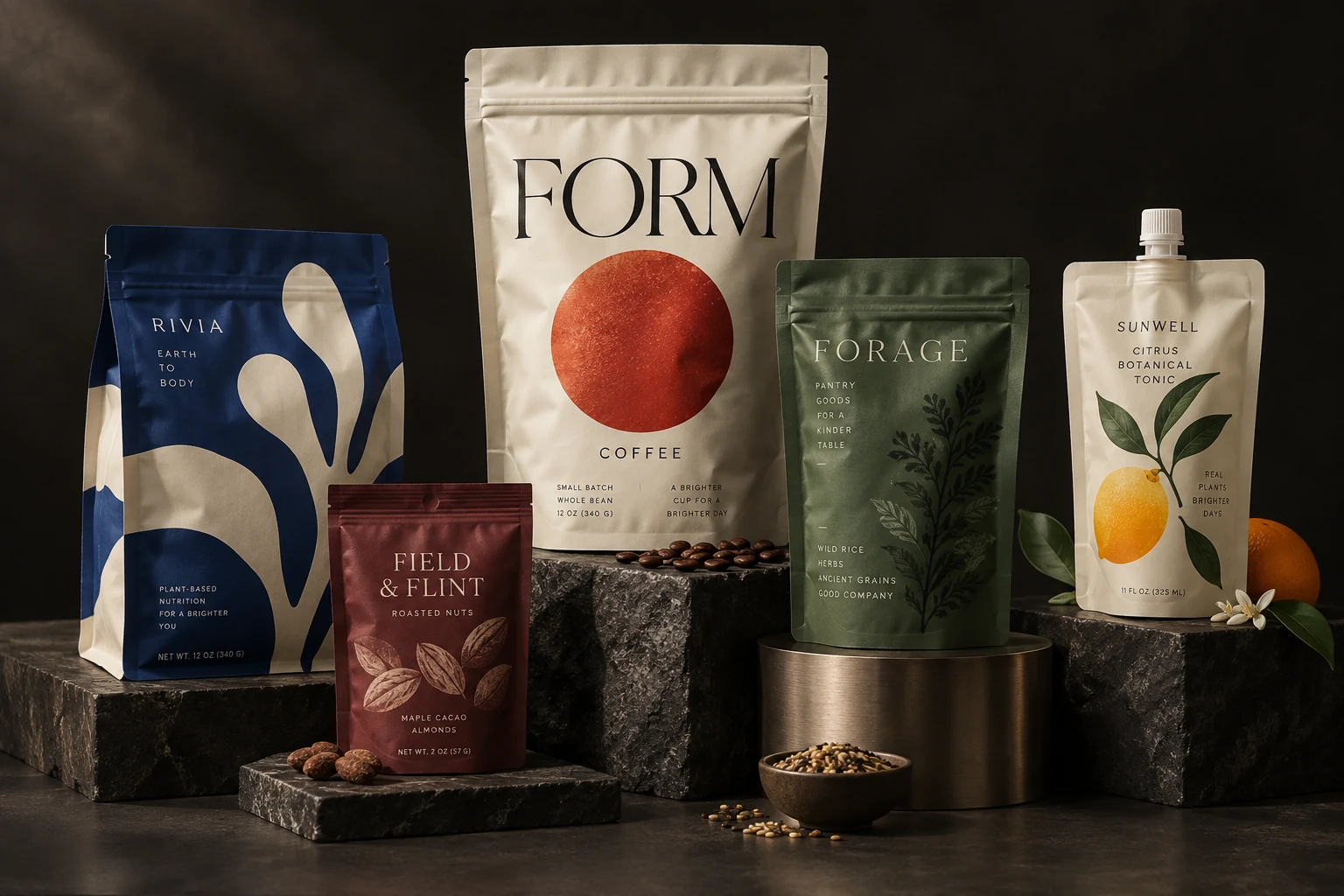
Review packaging in a shelf scene before you commit to the next design step. Compare scale, artwork and assortment context in World Model.
How the work develops
Use a 3D shelf scene to discuss artwork, scale and presentation before the next physical sample. Keep the comparison focused on what the preview can show.
Start with the artwork and dimensions selected for review. Check the structure and material settings in World Model.
Inspect the pack in context, including viewing distance and nearby products. Use the same scene when comparing design alternatives.
Save the scene or prepare the available views, then give reviewers a specific question to answer about the design.
Shelf scenes support visual comparison. They are not measured retail replicas, customer research or sales forecasts.
What you take forward
Use 3D scenes to discuss visual presentation. Shelf previews are not measured store replicas or sales forecasts.
Keep exploring
Free: the print check and the pouch gallery. A verified free account gets one free Agent design, shown with a preview watermark, and can upload its own design and preview it in 3D at the pouch's real size. More designs, AI tools, downloads, review links and production open with a launch package ($159 for files or from $599 with printed pouches), a Pro or Studio plan, or a private beta invitation.