Make the brief specific
Describe the product, audience, packaging format and visual direction. Add references to clarify the color, type or illustrative language you want to explore.
Product workflow / Packaging specialist
Explore packaging concepts, background artwork and visual motifs from a brief. Use your references to guide the direction, then refine the selected artwork in Studio.
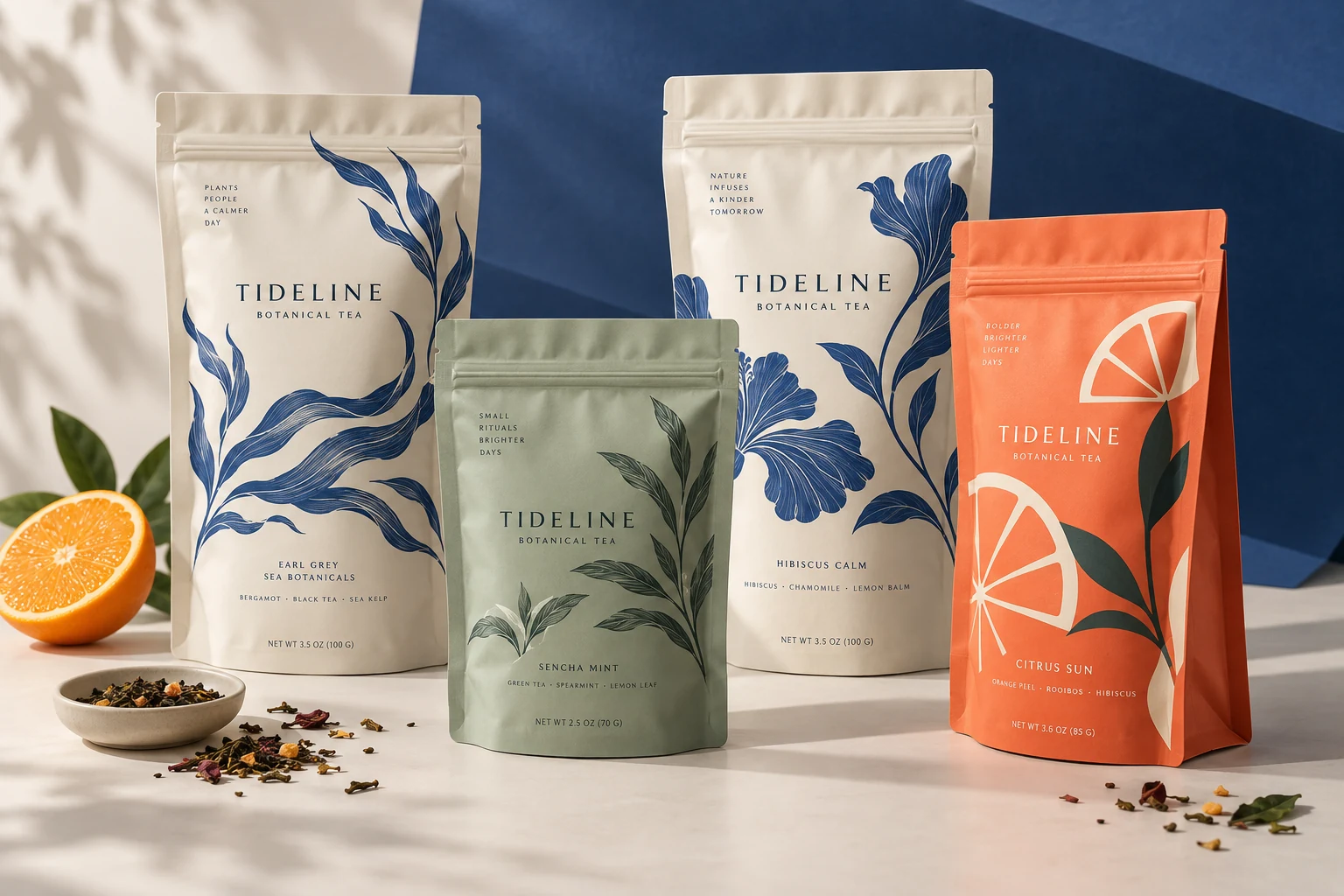
How the work develops
The current generator is specialized for packaging. Explore concepts and artwork directions, then develop the chosen result with the wider image and design toolkit.
Describe the product, audience, packaging format and visual direction. Add references to clarify the color, type or illustrative language you want to explore.
Develop a concept, a variation or background artwork for the packaging project. Treat motifs and flat-artwork drafts as material to refine, rather than finished production files.
Take the result into Studio. Use image actions and editable layers to work on the composition, while reviewing brand marks, copy and product information separately.
The generator currently produces packaging-oriented work. The creative reference above was generated for this website; it is not evidence of unrestricted text-to-image generation inside the app.
Inside the toolkit
Use the action that fits the source and the result you need. Every new version deserves a closer look.
Use a product brief and references to explore visual directions within a packaging project.
Develop raster textures and illustrative background directions while keeping exact brand marks and required copy separate.
Explore simple graphic or line-art directions, then use SVG conversion where the source suits it.
Already have an image? The separate image toolkit provides background removal, enhancement and vector conversion for your source assets.
What you take forward
Build a visual starting point for packaging, then use image editing, layers and source assets to develop it further.
Keep exploring
Free: the print check and the pouch gallery. A verified free account gets one free Agent design, shown with a preview watermark, and can upload its own design and preview it in 3D at the pouch's real size. More designs, AI tools, downloads, review links and production open with a launch package ($159 for files or from $599 with printed pouches), a Pro or Studio plan, or a private beta invitation.