If you have an image
Upload it to a Studio project. Choose background removal for a cutout, enhancement for a larger image, or SVG conversion for suitable raster graphics. Keep the original.
Resource / AI creative workspace
Choose the right starting point: edit an existing image, organize brand references, or develop a packaging concept. A practical guide to inputs, revisions and review.
How the work develops
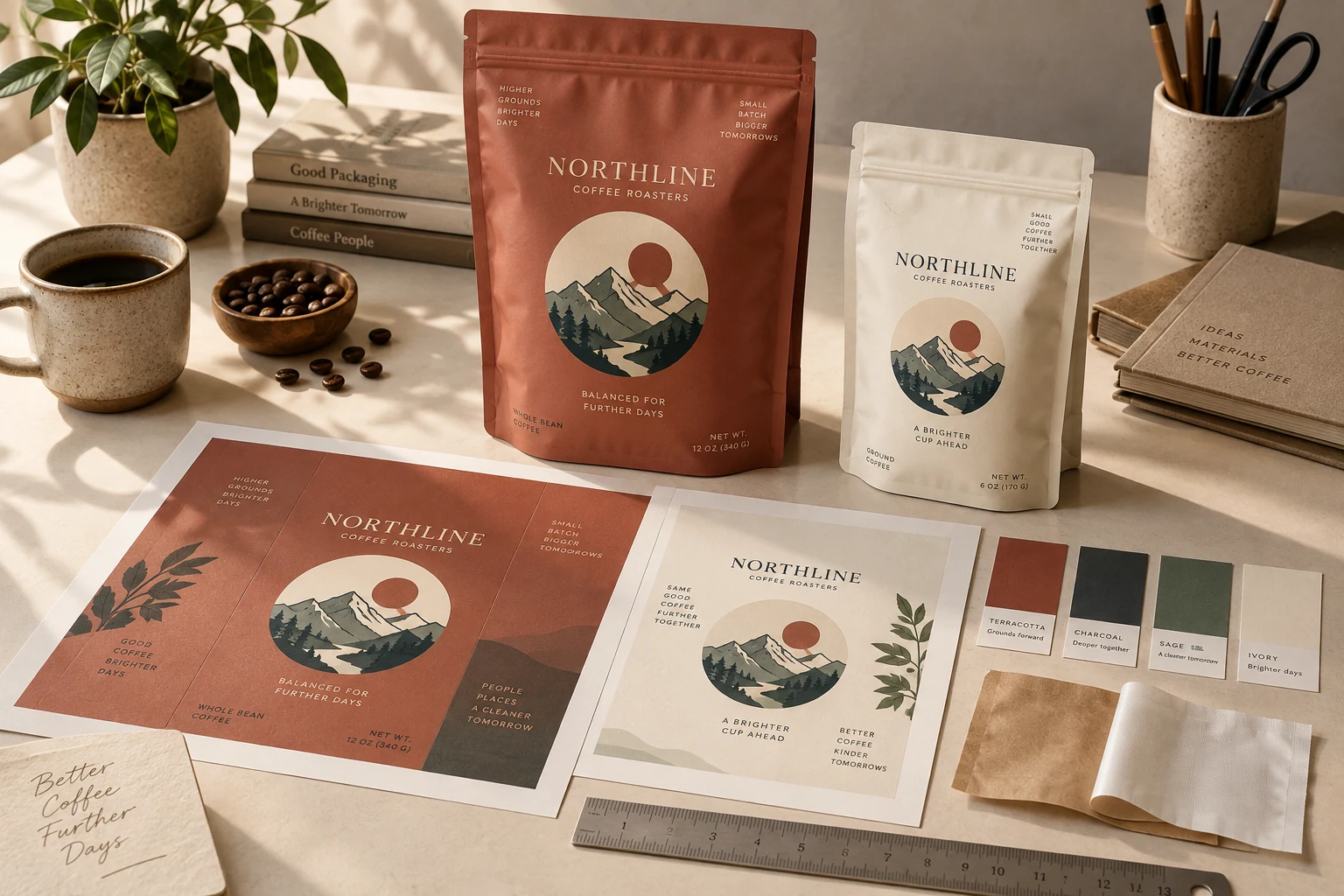
Different starting points need different tools. This guide separates image preparation, visual composition and specialist packaging generation so the brief goes to the right place.
Upload it to a Studio project. Choose background removal for a cutout, enhancement for a larger image, or SVG conversion for suitable raster graphics. Keep the original.
Organize approved marks, colors, typography and references in a brand kit. Combine images and live text on the canvas, and review suggestions before saving them.
Describe the product, format and direction to the packaging agent. Develop the selected concept, review the required information and confirm the supplier specification before handoff.
In every path, inspect the result against the source and intended use. Current prompt generation is packaging-oriented; the broader image actions begin with an existing image.
Inside the toolkit
Use the action that fits the source and the result you need. Every new version deserves a closer look.
Know which part of the image should change and which details need to stay accurate.
Review edges, small type and important product details at a useful size.
Select a named version and give reviewers the question you want answered.
What you take forward
Pick a tool based on what you have and what needs to change, then review the result against your original intent.
Keep exploring
Free: the print check and the pouch gallery. A verified free account gets one free Agent design, shown with a preview watermark, and can upload its own design and preview it in 3D at the pouch's real size. More designs, AI tools, downloads, review links and production open with a launch package ($159 for files or from $599 with printed pouches), a Pro or Studio plan, or a private beta invitation.