Choose an honest source
Use imagery that represents the product accurately. Record the intended use and keep the original available for comparison.
Solution / AI creative workspace
Refine the images you already have. Remove a background, enhance a source image or prepare a suitable graphic as SVG before taking it into your publishing workflow.
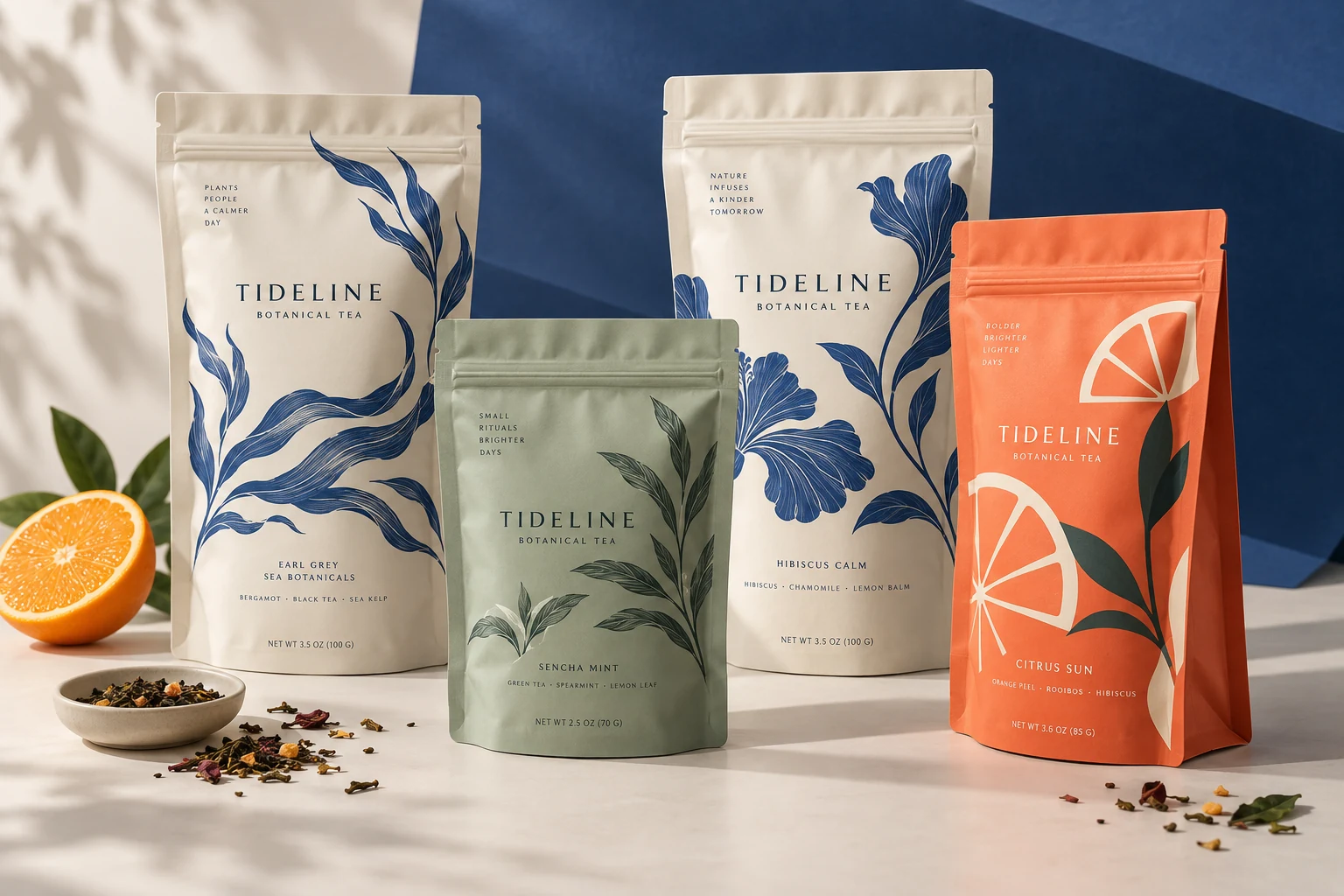
How the work develops
Work on the individual images behind a product page or piece of brand content. Keep publication and campaign decisions in the tools your team already uses.
Use imagery that represents the product accurately. Record the intended use and keep the original available for comparison.
Remove the background for a cutout or enhance a source asset. Inspect product details, texture and lettering before accepting the output.
Download the selected asset, prepare the final crop and copy, and publish through your existing store, social or campaign tools.
LaunchPouch's current campaign workspace does not generate or publish automatic campaigns. This page describes the available image and asset tools.
What you take forward
Prepare individual reviewed images with source history and brand references; choose your final formats and publish through your existing tools.
Keep exploring
Free: the print check and the pouch gallery. A verified free account gets one free Agent design, shown with a preview watermark, and can upload its own design and preview it in 3D at the pouch's real size. More designs, AI tools, downloads, review links and production open with a launch package ($159 for files or from $599 with printed pouches), a Pro or Studio plan, or a private beta invitation.