Define the visual references
Collect the palette, typography, images and material references that fit the brand. Use the brand copilot's suggestions as starting points to review.
Solution / AI creative workspace
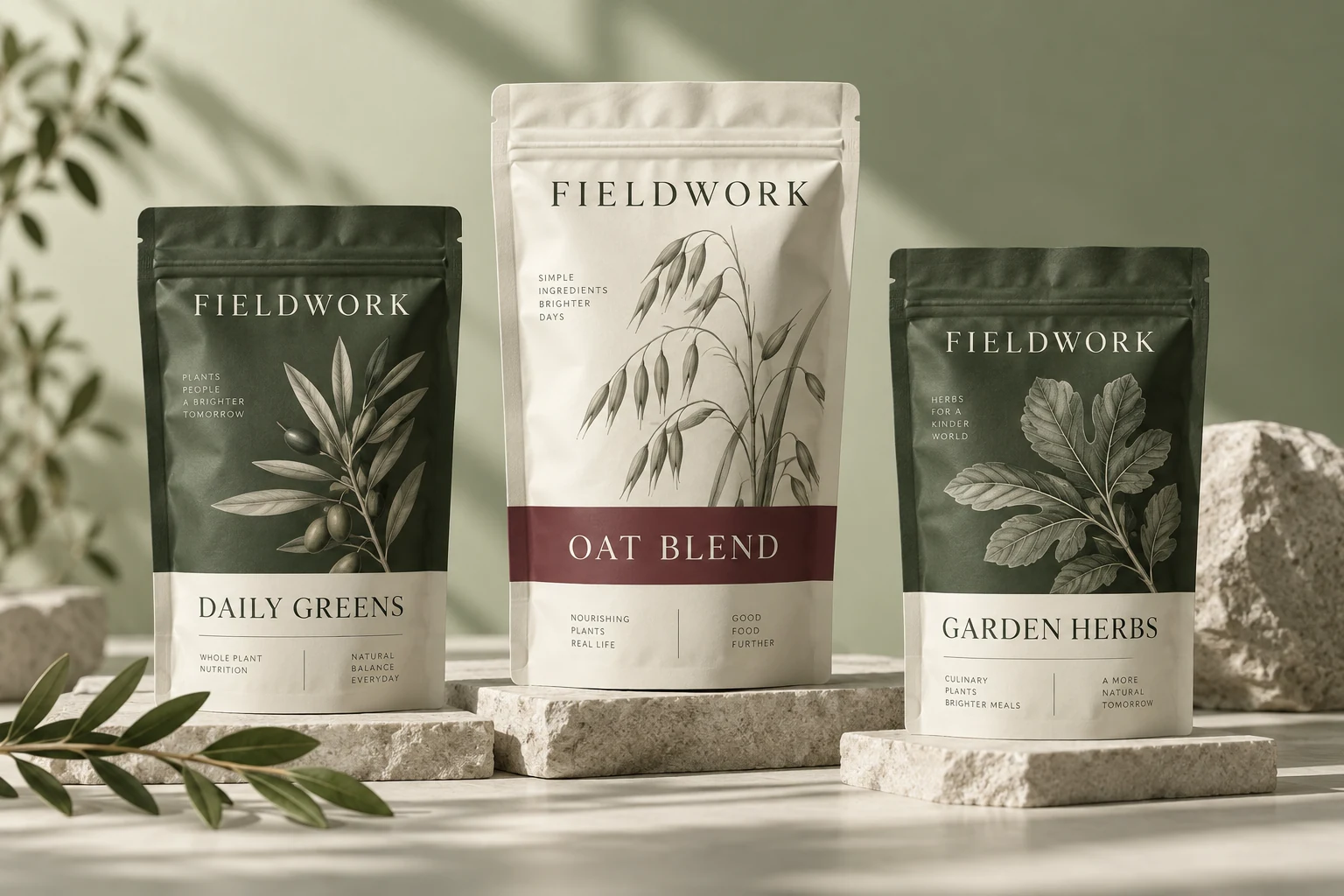
Shape a distinctive visual world around your product. Refine uploaded imagery, develop brand references and bring the selected direction into packaging when needed.
How the work develops
A beauty identity depends on image, texture and the way details are presented. Use your own assets and reviewed brand references as the foundation.
Collect the palette, typography, images and material references that fit the brand. Use the brand copilot's suggestions as starting points to review.
Create a cutout or enhance an existing image, then compare it with the original. Keep product color, surface detail and claims accurate.
Combine reviewed images with editable copy and approved marks. If packaging is part of the project, develop it through the specialist packaging workflow.
Creative imagery is not evidence of product effects. Review the representation and any claims before publication or print.
What you take forward
Build a considered collection of product imagery and visual references, with reviewed assets ready for the next design step.
Keep exploring
Free: the print check and the pouch gallery. A verified free account gets one free Agent design, shown with a preview watermark, and can upload its own design and preview it in 3D at the pouch's real size. More designs, AI tools, downloads, review links and production open with a launch package ($159 for files or from $599 with printed pouches), a Pro or Studio plan, or a private beta invitation.