Establish the direction
Bring client references and approved brand assets into the project. Agree what the image or composition needs to communicate.
Solution / AI creative workspace
Bring reference images, brand assets and client feedback into a considered creative workflow. Use focused AI edits, editable layers and versions to develop the direction.
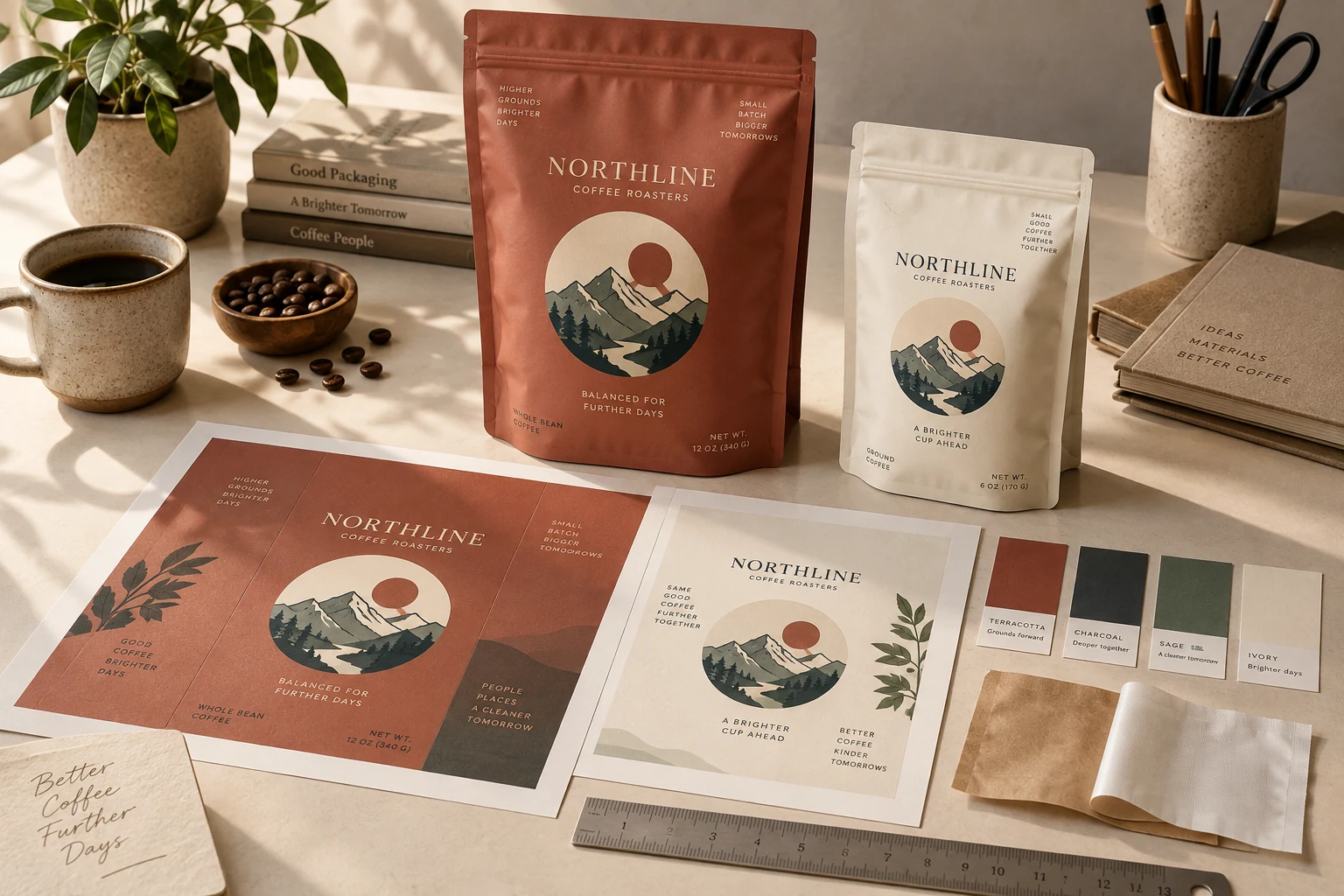
How the work develops
Creative work moves through references, revisions and decisions. Keep those pieces connected while using AI tools for focused parts of the work.
Bring client references and approved brand assets into the project. Agree what the image or composition needs to communicate.
Use cutouts, enhancement and SVG conversion where they fit the source. Compose with live text and image layers, and review the result before presenting it.
Use a private review link and comments to discuss the selected work. Keep previous versions available for the next decision.
Reviewers provide creative feedback; the tool does not automatically approve brand, legal or production requirements.
What you take forward
Keep client revisions connected to their source images, visual references and reviewed versions.
Keep exploring
Free: the print check and the pouch gallery. A verified free account gets one free Agent design, shown with a preview watermark, and can upload its own design and preview it in 3D at the pouch's real size. More designs, AI tools, downloads, review links and production open with a launch package ($159 for files or from $599 with printed pouches), a Pro or Studio plan, or a private beta invitation.