Keep the good parts.
Bring your originals, work with editable layers and review a proposed result before applying it.
Explore artwork toolsAI tools. Creative possibilities.
Edit images, remove backgrounds and refine your artwork. Create packaging concepts with AI, then take your brand further.
Pro from $39/month·Packaging files from $159/SKU
A little inspiration. A lot you can do.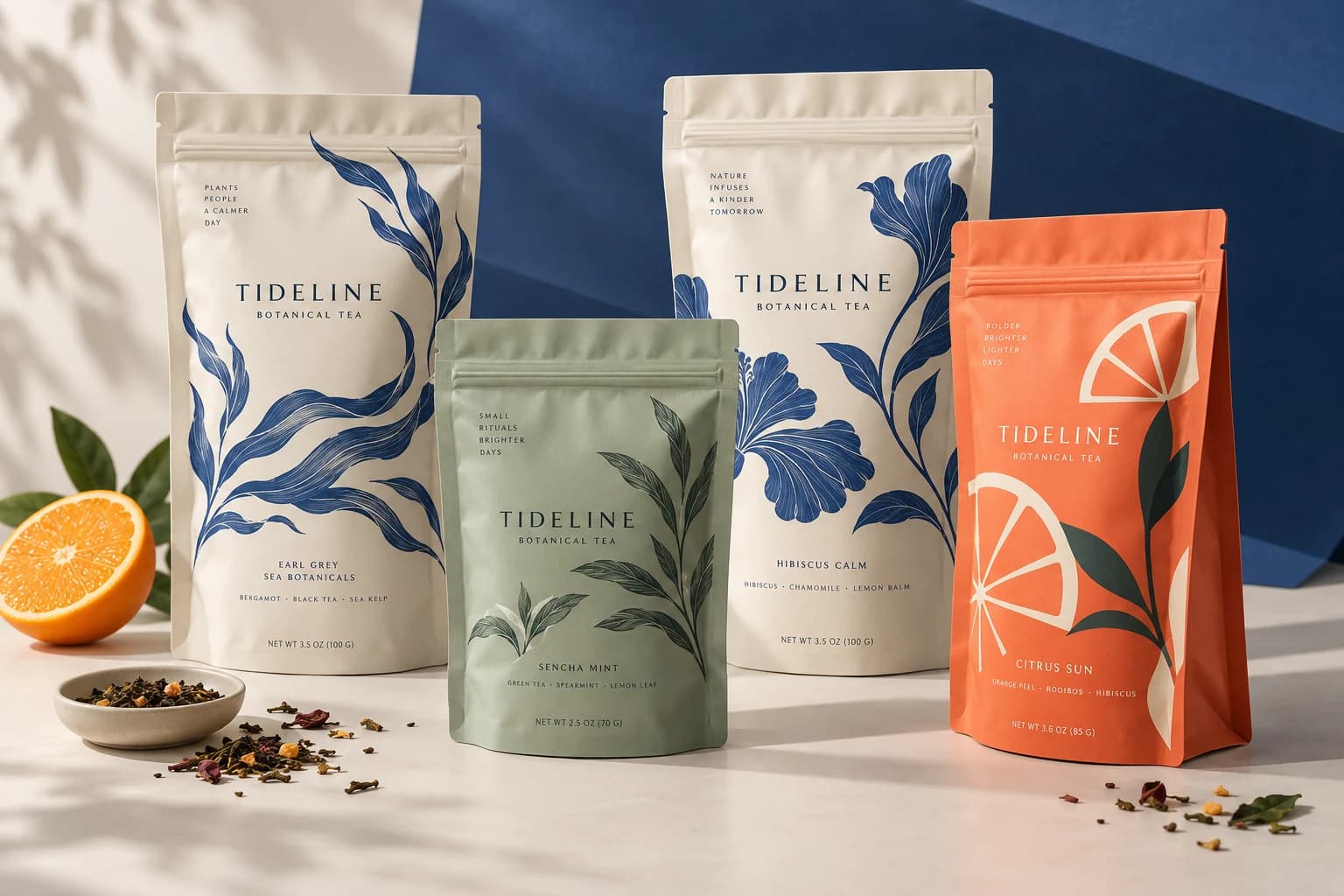
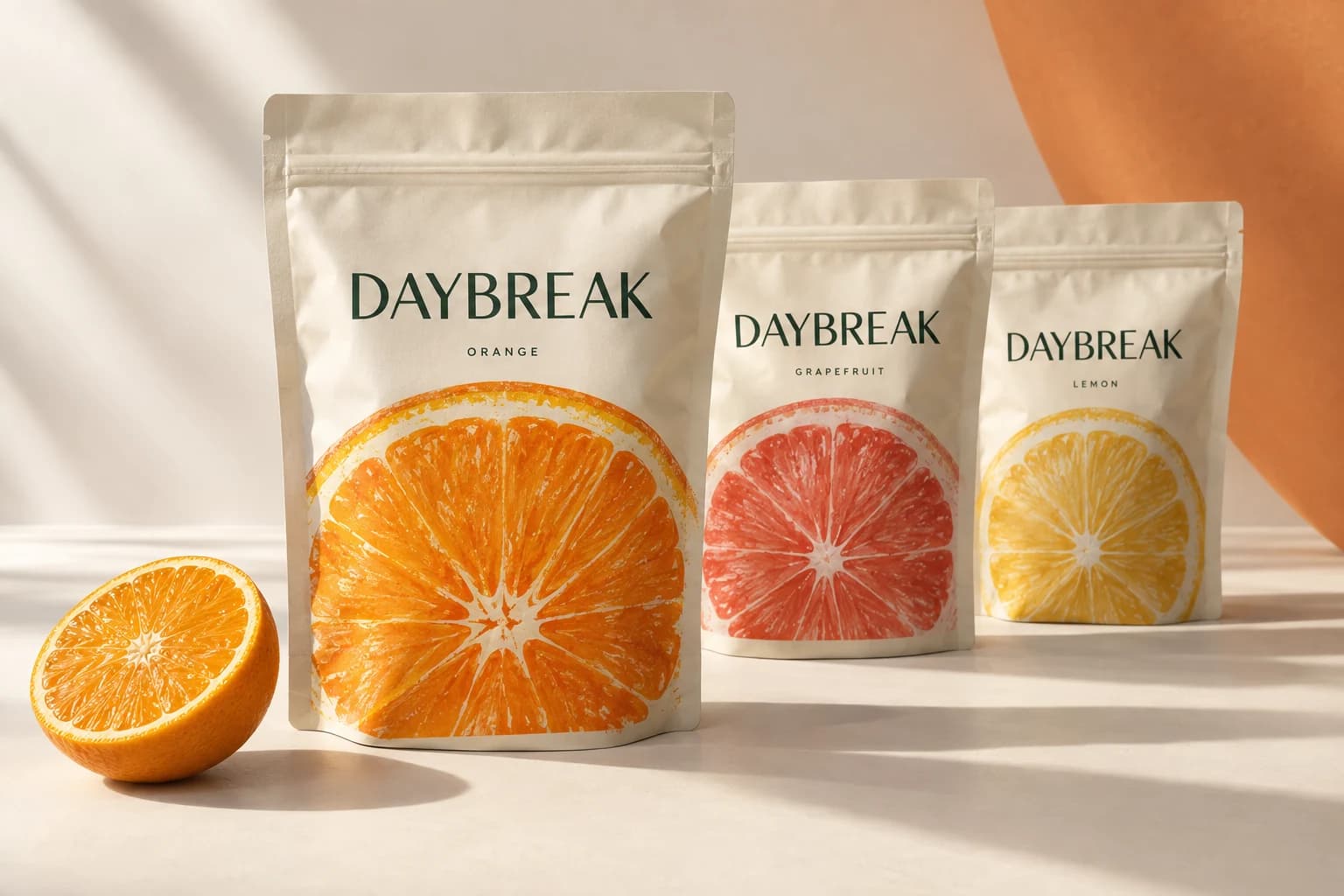
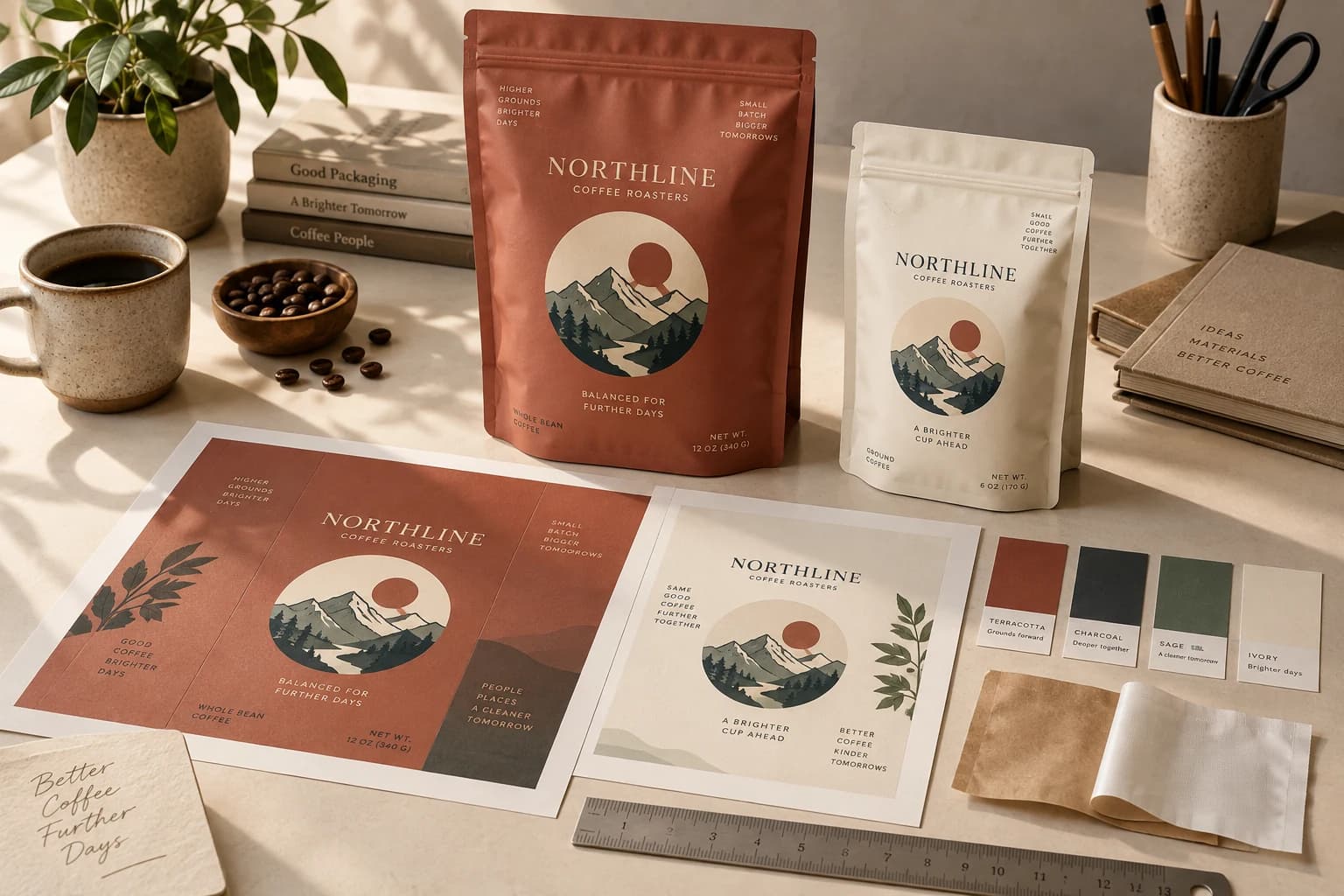
A workspace for your next idea
Start with an image, a brand direction or a product brief. Choose the tools that move your work forward.
01 / Edit images
Upload an image to Studio. Remove its background, enhance its resolution or turn raster artwork into an SVG. Preview the result before applying it.
Bring your originals, work with editable layers and review a proposed result before applying it.
Explore artwork toolsDevelop a palette, typography and voice in Brandkit, with AI suggestions you can review and save.
Explore BrandkitExplore packaging dimensions, materials and retail scenes in World Model before choosing your next direction.
Explore World Model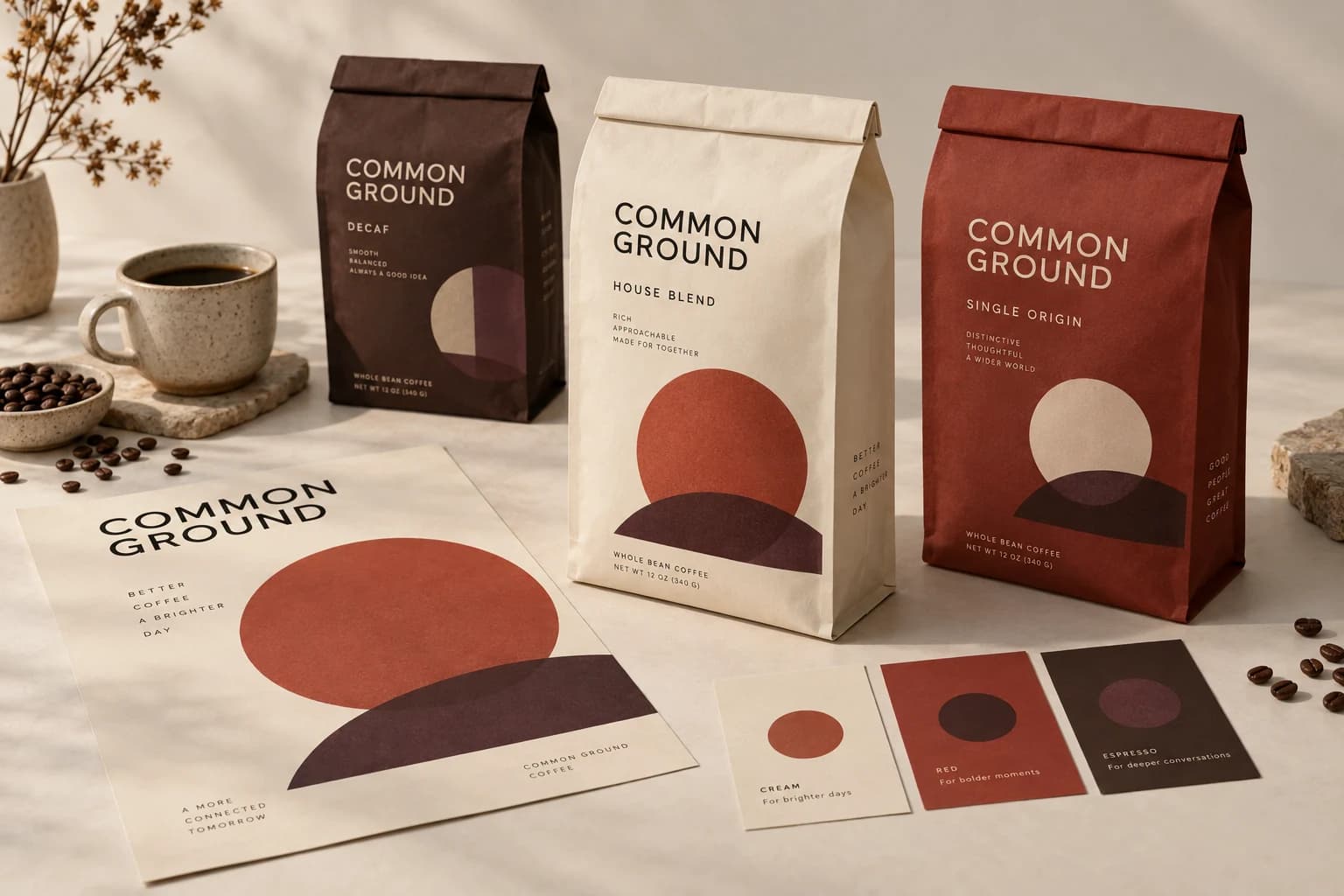
One complete workflow / Packaging
Our packaging-specialist AI connects your product brief, concept artwork and next steps in one project.
Work with the Agent on your brief and packaging concepts.
Refine artwork, build a product family and explore it in 3D.
Choose a checked file set for $159/SKU, or the $599 Launch Package with a first run of 200 pouches.
Confirm the final specifications and production suitability with your supplier.
A useful place to begin
Explore pouch shapes or give an existing print file a first look. No AI credits or account needed for these tools.
The complete toolkit
Explore image editing, creative workflows and the tools built for packaging.
Start with an image you have. Remove its background, enhance resolution and detail, or turn a suitable raster asset into SVG.
Packaging specialistAn AI collaborator for packaging briefs, scoped revisions and production decisions. Work through proposals with your references and project history in view.
Images & designBring images and live text together on a canvas. Refine the composition, keep the source assets and follow each version as the work develops.
Packaging specialistTake packaging artwork into a 3D scene. Inspect structure, material and scale, then compare the design in a retail setting.
Packaging specialistExplore packaging concepts, background artwork and visual motifs from a brief. Use your references to guide the direction, then refine the selected artwork in Studio.
Packaging specialistFree in your browser: size, sharpness, bleed and color, measured against a real pouch size. Every paid file set also gets 10 automatic print checks, with the results in the handoff.
Images & designGive your work a shared starting point. Collect logos, colors, type references and approved assets so the next revision starts with context.
Images & designA place to work on the image, the composition and the details. Bring your assets in, make focused edits and keep the next version close to the original.
Packaging specialistThe deliverable: the print file, its cutting template (dieline), a proof sheet, your logo and art files, and the print-check results in one ZIP for your supplier.
Images & designPrepare individual visual assets with image editing, cutouts, enhancement and brand references. Keep the source and the reviewed versions organized for your next use.
Made for your next idea
Design access with a package, Pro or Studio plan, or private beta invitation. AI actions use credits.
Find your plan