Bring the ingredients together
Add source images, approved marks and live text to your canvas. Keep the composition's distinct elements separate wherever the source allows.
Product workflow / AI creative workspace
Bring images and live text together on a canvas. Refine the composition, keep the source assets and follow each version as the work develops.
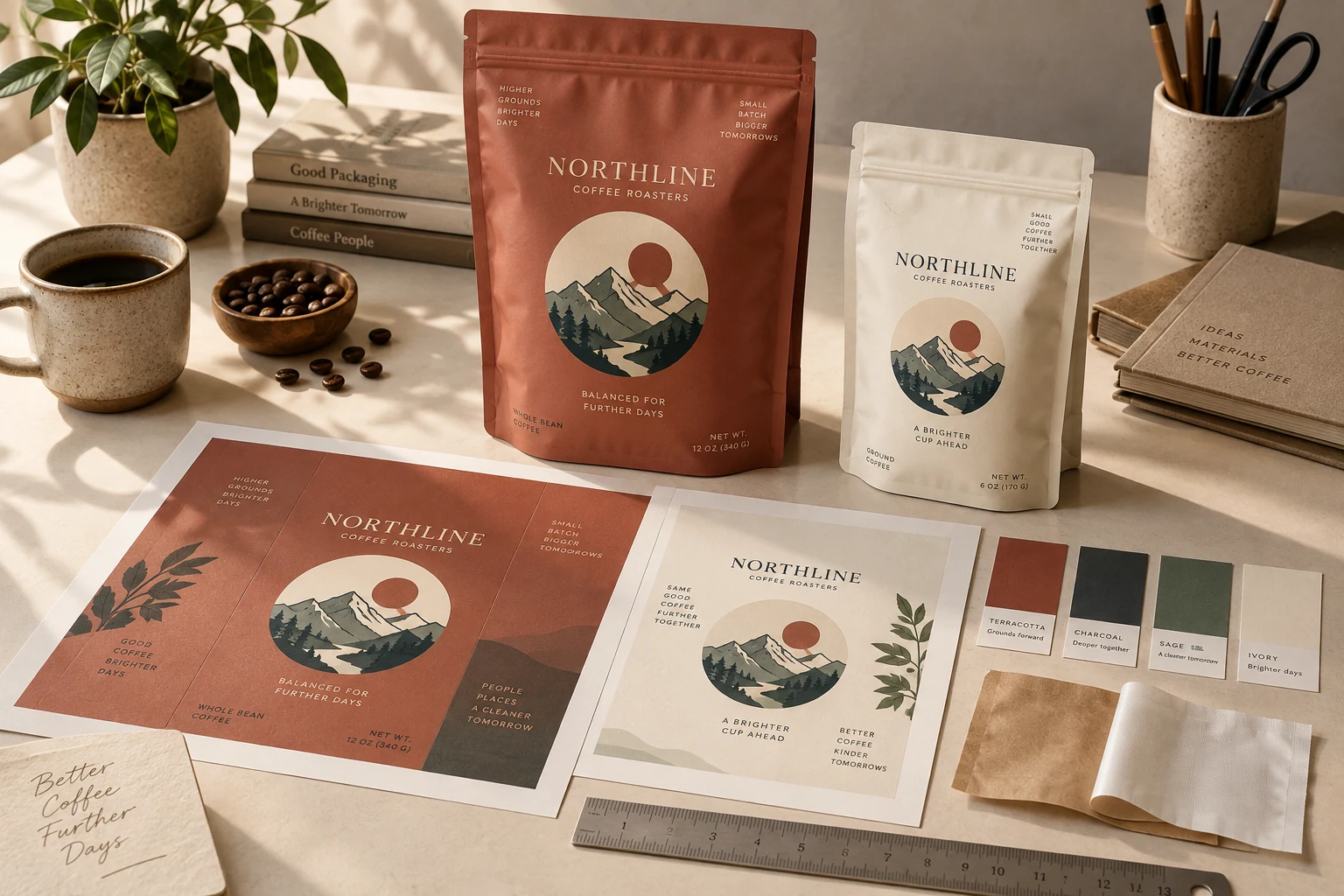
How the work develops
A useful working file lets you move between the whole image and its individual parts. Studio combines image nodes, live text and project history so the next revision has context.
Add source images, approved marks and live text to your canvas. Keep the composition's distinct elements separate wherever the source allows.
Adjust the image and text layers you have. Use image actions on the relevant source asset, then place the result back into the wider design.
Preserve originals and previous versions as the design changes. Give reviewers one selected version to discuss rather than a collection of unnamed alternatives.
An imported flat image does not automatically become a fully editable source file. Text extraction and decomposition depend on the image and the configured services, and need review.
Inside the toolkit
Use the action that fits the source and the result you need. Every new version deserves a closer look.
Keep new copy editable on the canvas instead of treating every word as part of a bitmap.
Compose with uploaded and generated images, and retain the source when creating a new result.
Review the selected result alongside its project history and source references.
What you take forward
Compose with editable text and image layers while preserving originals and project history.
Keep exploring
Free: the print check and the pouch gallery. A verified free account gets one free Agent design, shown with a preview watermark, and can upload its own design and preview it in 3D at the pouch's real size. More designs, AI tools, downloads, review links and production open with a launch package ($159 for files or from $599 with printed pouches), a Pro or Studio plan, or a private beta invitation.